 Scope for IT services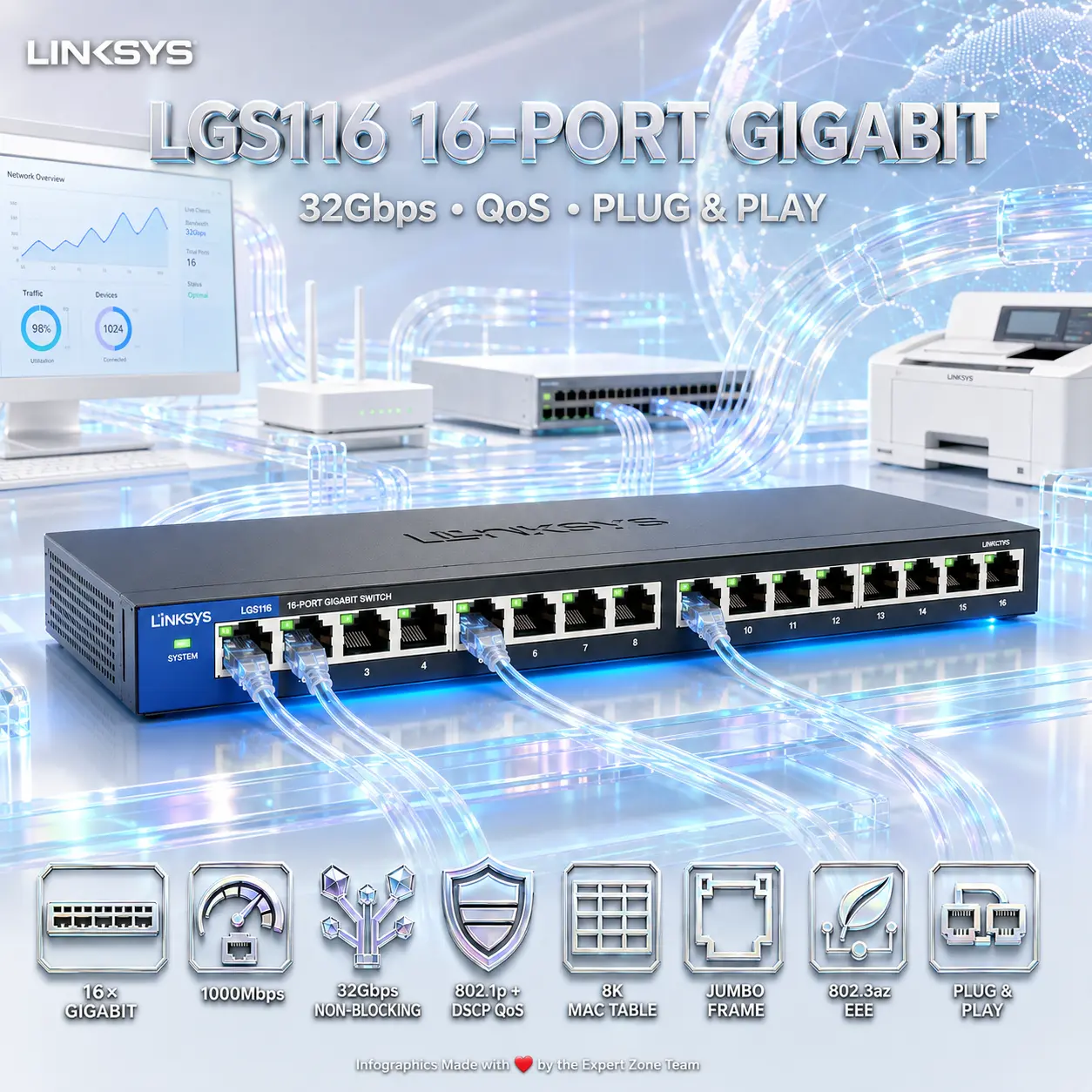
EXPERT FEATURES
- 16 Gigabit Ethernet Ports : Connect up to 16 wired network devices with speeds up to 1000Mbps per port, giving offices, shops, workstations, printers, routers, and other compatible Ethernet devices plenty of room to breathe.
- 32Gbps Non-Blocking Bandwidth : The switch provides 32Gbps of non-blocking bandwidth, allowing simultaneous network traffic to move efficiently across its Gigabit ports instead of creating an unnecessary digital traffic jam.
- Unmanaged Plug-and-Play Design : No complicated management interface or configuration marathon is required—connect your Ethernet devices and the LGS116 is designed to extend the network with straightforward plug-and-play operation.
- Gigabit Transfer Speeds : Wired connections support speeds up to 1000Mbps, helping reduce transfer times and handle high-bandwidth file streaming between connected devices.
- 802.1p + DSCP QoS : Built-in Quality of Service support uses IEEE 802.1p and DSCP technologies to support traffic prioritization without turning this simple unmanaged switch into an IT-department science project.
- Jumbo Frame Support : Jumbo Frame compatibility supports larger Ethernet frames where used by compatible networking equipment and applications.
- 8K MAC Address Table : The switch supports an 8,000-entry MAC address table for identifying and forwarding traffic among connected Ethernet devices.
- Energy Efficient Ethernet : Compliance with IEEE 802.3az Energy Efficient Ethernet helps reduce unnecessary power usage during lighter network activity.
- Automatic Port Power-Down : Unused ports can automatically power down, helping the switch avoid wasting energy on connections that are doing absolutely nothing.
- Smart Power for Short Cables : Linksys includes smart power behavior for shorter cable runs as part of the LGS116’s power-saving feature set.
- Cable Detection + Sleep Mode : Power-saving functions include connected-cable detection and sleep mode for more efficient everyday operation.
- Port Status Light Control : A dedicated port-status switch lets users control the indicator lights instead of accepting permanent LED disco mode on the networking shelf.
- Broad IEEE Ethernet Compatibility : Support includes IEEE 802.3, 802.3u, 802.3x, 802.3ab, and 802.3az standards for compatibility across common Ethernet networking environments.
- Flexible Device Connectivity : Linksys specifically lists computers, routers, other switches, network printers, and other network devices as compatible device categories for connection to the LGS116.
- Wall-Mountable Design : The compact desktop switch can also be wall-mounted, giving network installers more flexibility when desks and shelves are already fighting for territory.
- DC 12V Power Input : The rear panel includes a DC 12V, 1A power connection for the switch.


EXPERT SPECS
| Specification | Details |
|---|---|
| Brand | Linksys |
| Model | LGS116 |
| Product Name | Linksys LGS116 16-Port Business Desktop Gigabit Switch |
| Switch Type | Unmanaged |
| Installation Type | Plug-and-play |
| Ethernet Ports | 16 × Gigabit Ethernet ports |
| Maximum Wired Speed | Up to 1000Mbps |
| Switching Bandwidth | 32Gbps non-blocking |
| Quality of Service | IEEE 802.1p and DSCP |
| Jumbo Frame Support | Yes |
| MAC Address Table | 8K entries |
| Energy Efficient Ethernet | IEEE 802.3az |
| Supported IEEE Standards | IEEE 802.3, 802.3u, 802.3x, 802.3ab, 802.3az |
| Automatic Power Feature | Auto power-down disables unused ports |
| Smart Power | Smart power for short cable runs |
| Power Saving | Cable-connected detection and sleep mode |
| Port Status Control | Port-status switch for controlling lights |
| Installation Options | Desktop or wall-mounted |
| Power Input | DC 12V, 1A |
| Power Port Location | Back panel |
| LGS116 V1 Power Consumption | 2.66W / 9.32W |
| LGS116 V1 Dimensions | 280 × 120 × 25mm |
| LGS116 V2 Dimensions | 288 × 102 × 26mm |
| Weight | 703g |
| Compatible Device Categories Listed by Linksys | Computers, routers, switches, network printers, other network devices |
Related products
-

TP-Link M7005 4G LTE Mobile Wi-Fi Router With Wi-Fi 6 2.4GHz Up To 287Mbps | 150Mbps Download 50Mbps Upload | 2400mAh Battery | Side SIM Access | Connect 10 Devices
36 $ Add to cart Quick View -

Cudy AP1300 Outdoor AC1200 WiFi 5 Access Point With Dual-Band 867Mbps + 300Mbps, Gigabit PoE, MU-MIMO, Mesh Roaming, IP65 Protection and 4kV Surge Protection | V1.0
45 $ Add to cart Quick View -
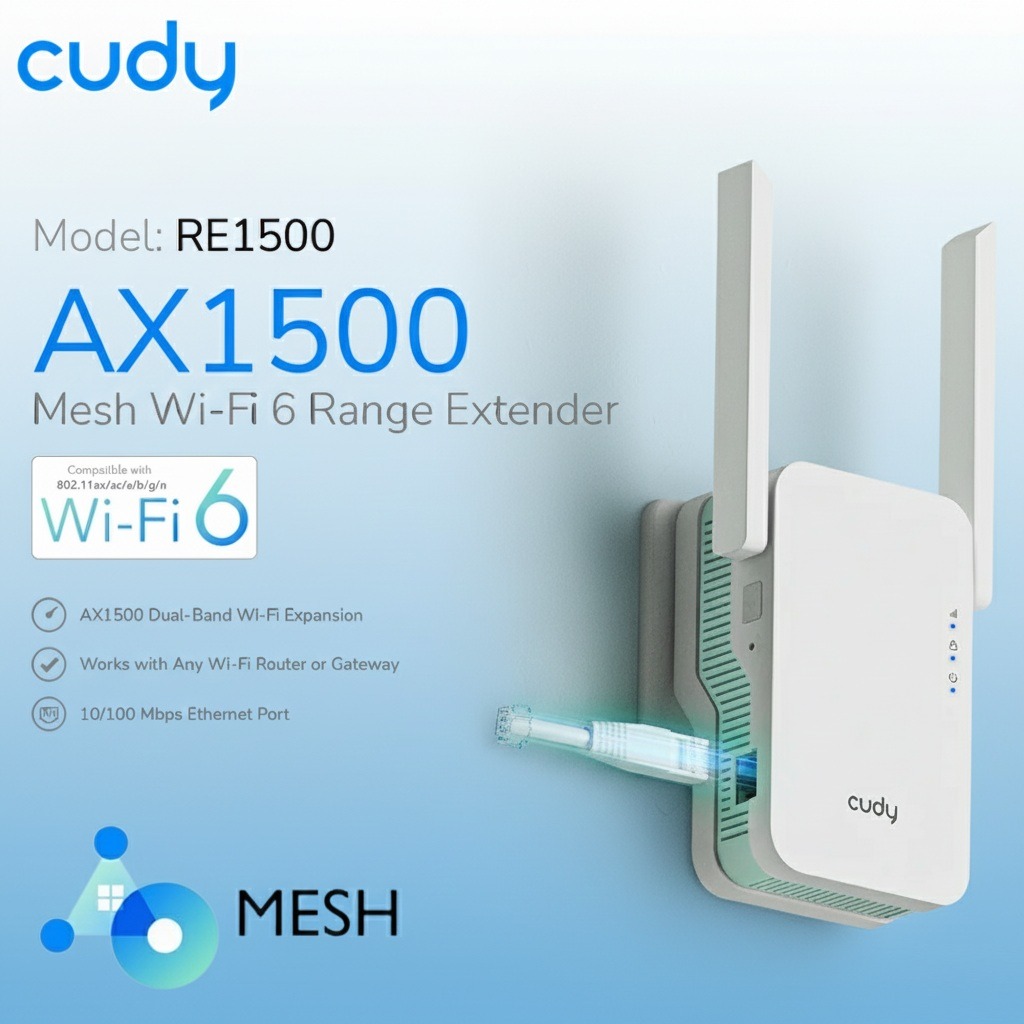
CUDY AX1500 Mesh Wi-Fi 6 Range Extender With 1201Mbps 5GHz + 300Mbps 2.4GHz, Dual-Band AX, WPS Setup, Ethernet Port, Mesh Support | RE1500
23 $ Add to cart Quick View -
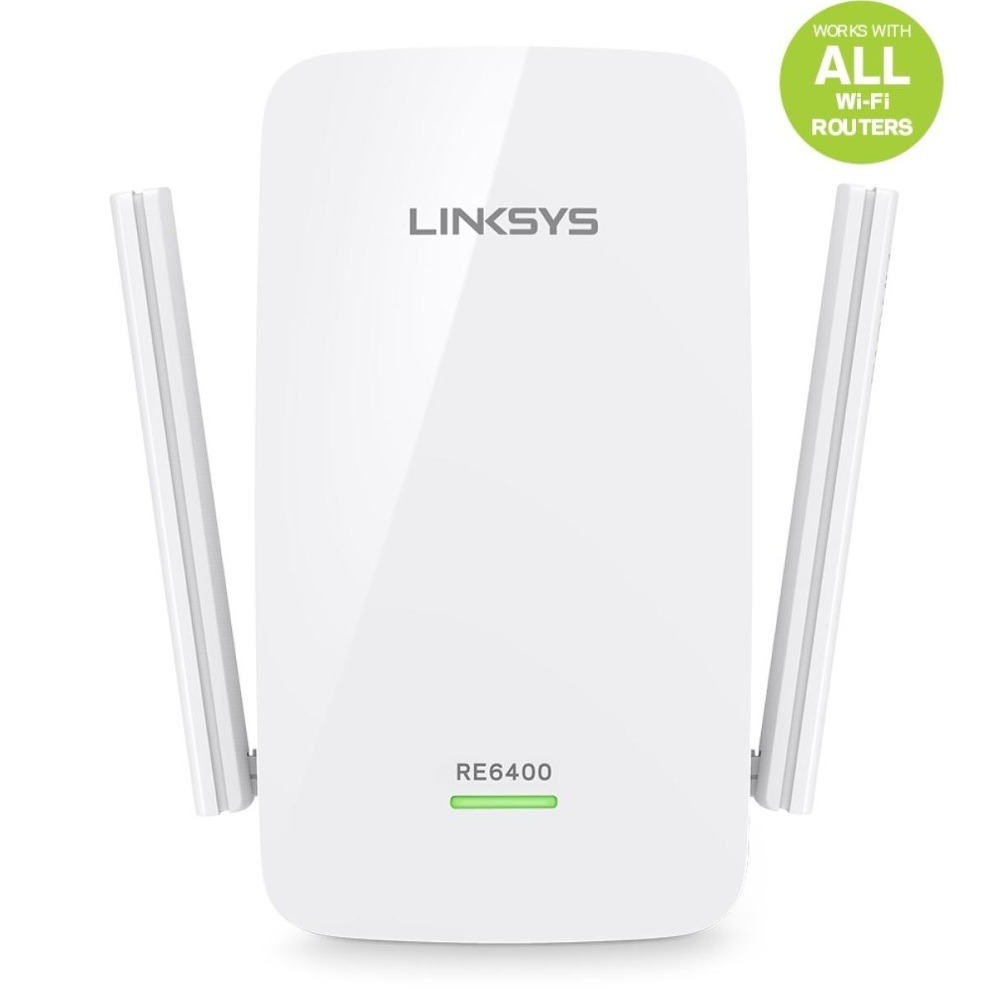
Linksys AC1200 BOOST EX – Wi-Fi Range Extender Dual-Band Beamforming ,Cross-Band Gigabit Ethernet , External Antennas, Plug-In Design | WHITE ~ RE6400
29 $ Add to cart Quick View